
Movavi Video Editor
Consumer-friendly video editor offering essential timeline tools, transitions, and effects for Windows and macOS platforms.

Movavi Video Editor — Key Facts
- Latest Version
- Latest
- License
- Trial
- Category
- Video Editors
- File Size
- 5 GB
- Price
- Free to download
- Official Site
- www.movavi.de
- User Rating
- ★ 4.0 / 5 (294 ratings)
- Tags
- trial, nle, beginner, cross-platform
Movavi Video Editor Screenshots
About Movavi Video Editor
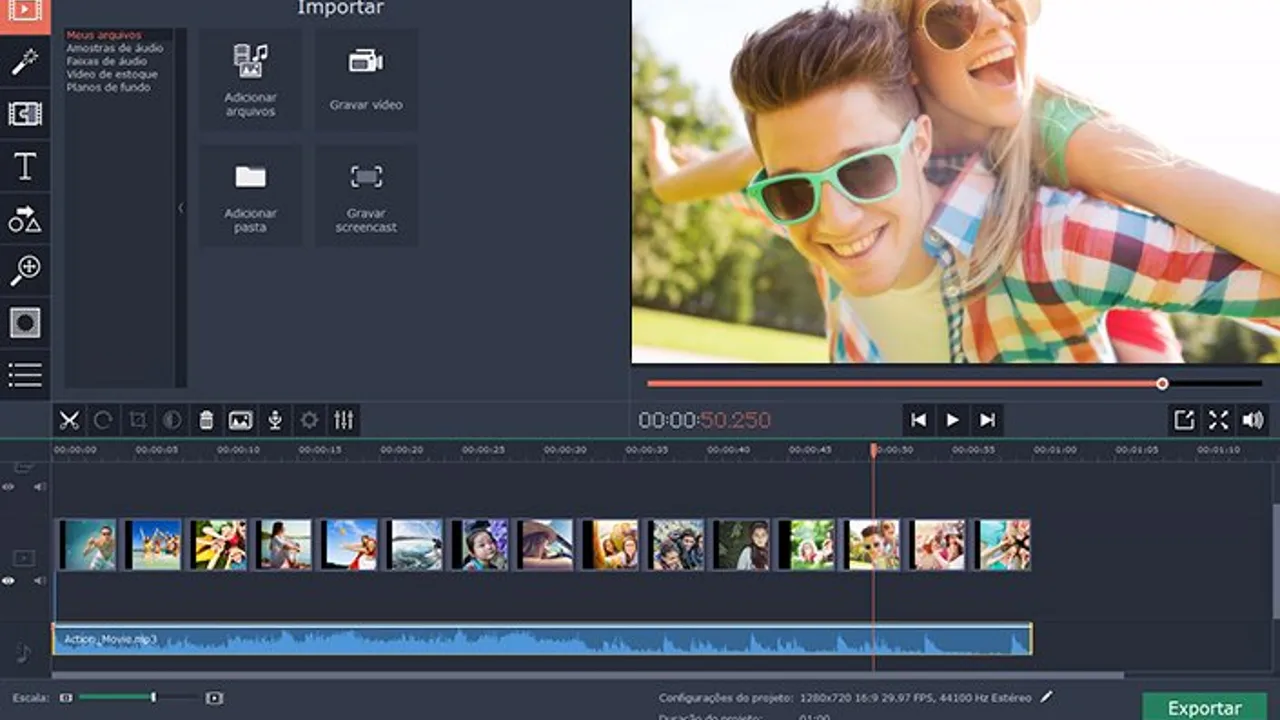
Movavi video download delivers a simplified editing environment targeting home users and content creators who need reliable cut-and-paste functionality without advanced color grading workflows. The software handles MP4, AVI, and MOV files through a drag-drop timeline interface. Picture-in-picture overlays and chroma key background removal provide standard composite capabilities. Audio track synchronization works across multiple formats, though proxy generation for 4K footage requires the paid upgrade.
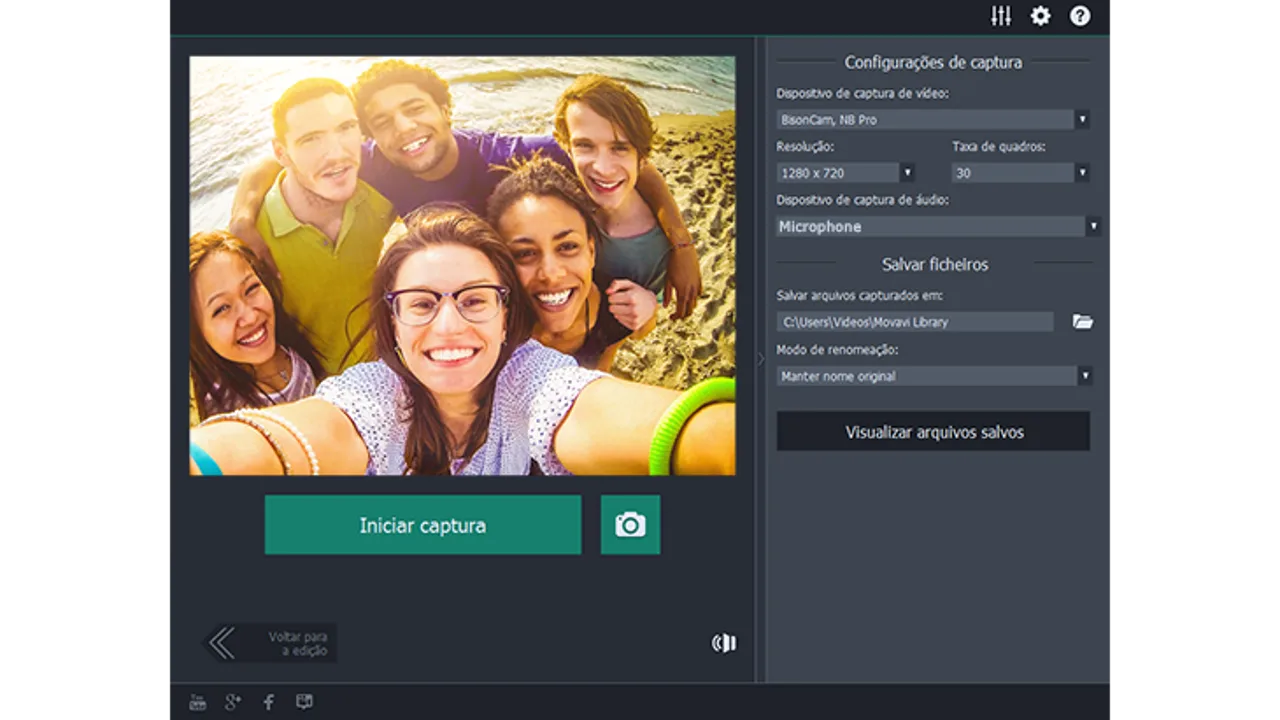
The timeline accepts H.264 and H.265 codecs at frame rates up to 60fps, with export presets covering mobile devices and social platforms. Rendering speed varies significantly based on source bitrate and applied transitions. Built-in effects include vintage film filters and camera zoom simulation. Audio recording captures from microphone sources or electronic inputs. The interface prioritizes accessibility over professional features, making keyframe animation and advanced encoding options secondary priorities.
Performance limitations become apparent with longer projects exceeding 30 minutes or multiple 4K clips without proxy workflow optimization. DaVinci Resolve offers superior color correction tools, while Adobe Premiere Pro handles complex timeline operations more efficiently. Movavi compensates through simplified export workflows and preset configurations that eliminate codec guesswork. The software targets users migrating from Windows Movie Maker or iMovie who need expanded format support without video editors complexity.
Movavi operates under a trial model with watermarked output until purchase activation. Cross-platform availability spans windows and mac installations, though Linux support remains absent. The 5GB download size reflects thorough codec libraries developed since 2004. For beginners prioritizing ease over advanced nle capabilities, Movavi video download provides a logical stepping stone toward more sophisticated editing environments.
Movavi Video Editor is a trial video editors available for Windows, macOS. Browse more trial software or nle programs.