
PhotoScape X
Transform photos with ease using PhotoScape X's thorough editing toolkit for individual or batch processing workflows.

PhotoScape X — Key Facts
- Latest Version
- Latest
- License
- Free
- Category
- Photo Editors
- Price
- Free to download
- User Rating
- ★ 4.2 / 5 (90 ratings)
- Tags
- free, batch, portable, lightweight, beginner
PhotoScape X Screenshots
About PhotoScape X
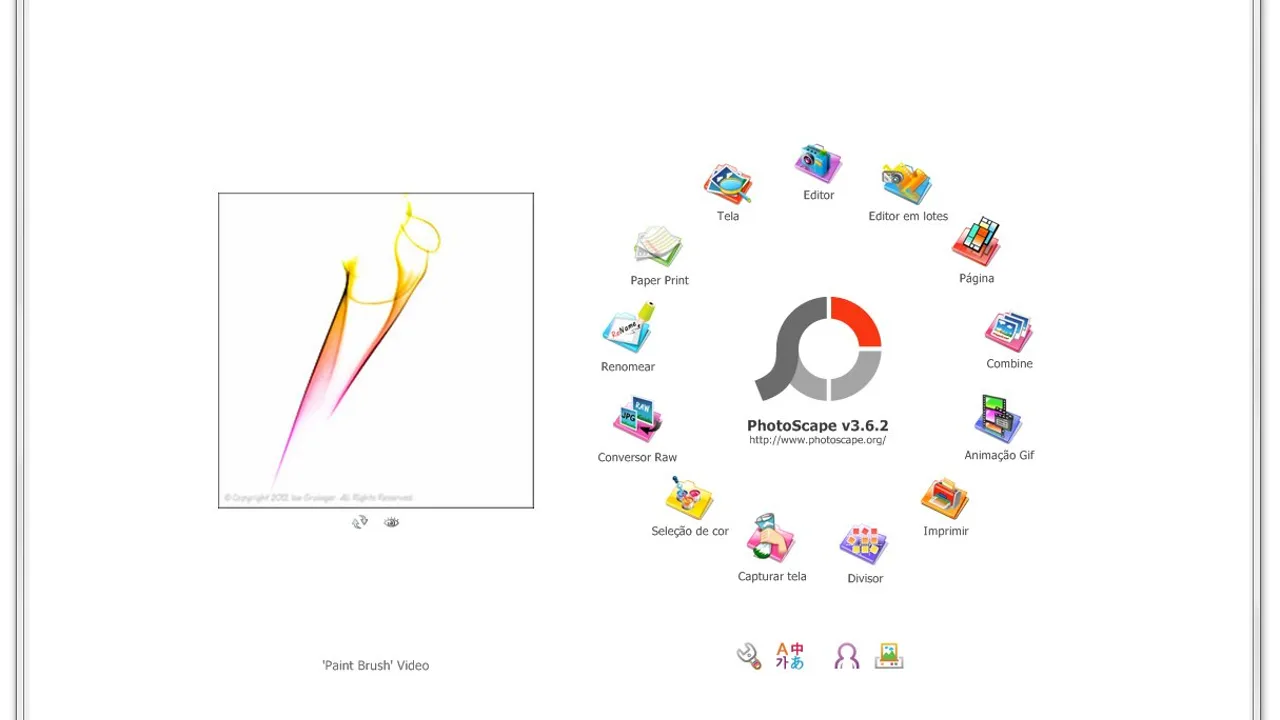
PhotoScape X download delivers an all-in-one photo editor that packs essential image tools into a lightweight package. I load raw files, apply quick exposure adjustments, and export to multiple formats without the learning curve of professional suites. The interface groups batch processing, screen capture, GIF animation, and print preparation in clearly labeled sections. Individual photo editing covers crop, rotate, color balance, and basic filter effects through drag-and-drop simplicity.
The workflow centers on thumbnail browsing where I preview entire directories at once. JPEG, PNG, and TIFF files load instantly while the histogram updates in real-time during adjustments. Batch operations process hundreds of images with consistent white balance corrections or resize operations. The program handles metadata and EXIF data preservation across most common formats. Export presets target social media dimensions or print resolutions without manual calculation.
Performance stays responsive even with large image sets, though it lacks the layer-based editing of gimp or advanced color grading found in dedicated photo editors. Non-destructive editing isn't available, so original files need backup before heavy modifications. The selection tools work adequately for basic masking but won't satisfy users requiring precision curves or complex blend modes. Screen capture functionality rivals standalone utilities for quick documentation shots.
PhotoScape X fits photographers wanting quick fixes without subscription costs. The free model includes all features across windows and ios installations. Beginners appreciate the guided interface while casual users benefit from batch processing capabilities. For those seeking portable editing solutions or simple free alternatives to premium software, this editor delivers practical results without overwhelming complexity.
PhotoScape X is a free photo editors available for Windows, iOS. Browse more free software or batch programs.