
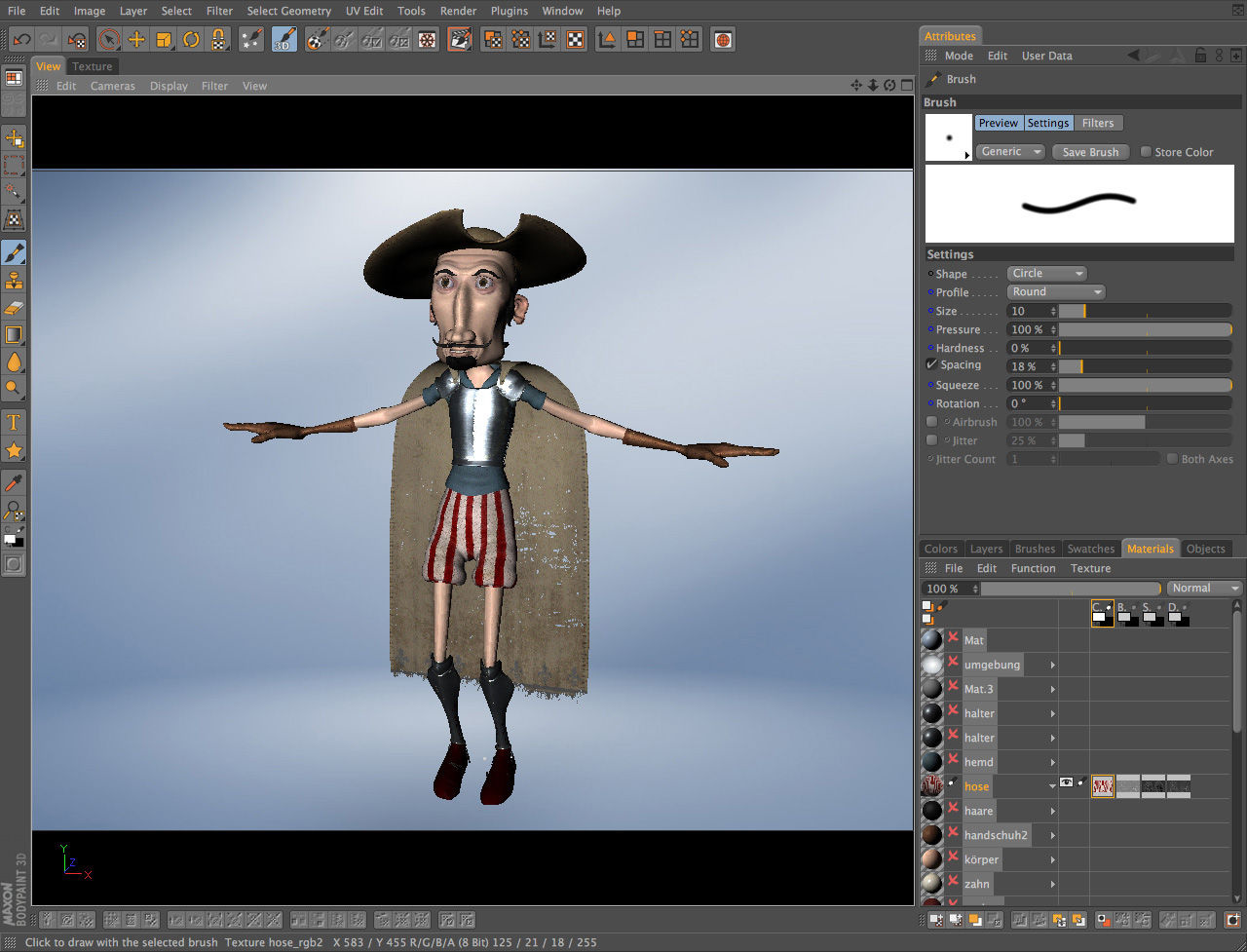
Adobe Illustrator vs BodyPaint 3D: At a Glance
Adobe Illustrator is the better choice for print designers, brand identity studios, and web developers who need resolution-independent vector artwork because its bezier-based path system produces scalable SVG and CMYK-ready output that raster tools simply cannot match; BodyPaint 3D suits 3D character artists and game texture painters because it projects hand-painted raster detail directly onto live geometry with a Photoshop-compatible layer stack — no vector path or anchor point in sight.
Adobe Illustrator handles mathematically precise illustration: logos, typography, brand guidelines, print separations. BodyPaint 3D handles UV-mapped texture painting on 3D meshes. The split in the adobe illustrator vs bodypaint 3d debate comes down to whether your final deliverable is a vector SVG destined for a screen or print press, or a raster texture map destined for a game engine or render farm.
Where Adobe Illustrator Wins
Vector Precision and Scalable Export
No other tool in the graphic design software catalogue matches Illustrator's anchor point and bezier handle control at production scale. The Pen Tool builds complex paths that hold a crisp stroke and fill from 72 DPI screen preview to 2,400 DPI imagesetter output — identical math, zero degradation. Export for Screens (File > Export > Export for Screens) simultaneously outputs SVG, PNG at 1×/2×/3×, and WebP from a single artboard in one pass. WebP output runs about 25% smaller than equivalent PNG files. BodyPaint 3D exports no SVG or vector format whatsoever — it is fully raster-bound.
CMYK Color Management and Prepress Workflow
Illustrator's color engine is built for offset printing. The Separations Preview panel (Window > Separations Preview) isolates individual ink channels including PANTONE spot colors, letting you catch overprint errors before a file ever reaches a RIP. Soft proofing simulates paper stock and ink combinations in real time. BodyPaint 3D offers ICC profile embedding on TIFF and PNG export, but has no CMYK working space, no spot color library, and no overprint preview — it was never designed for print production. If a client needs a PANTONE 485 logo delivered as print-ready PDF, Illustrator is the only answer here.
Where BodyPaint 3D Wins
Real-Time 3D Projection Painting
BodyPaint 3D's RayBrush mode aligns brushstrokes to surface normals rather than screen space, which means painting across a curved character cheek or a vehicle fender stays accurate without manually rotating the camera between every stroke. Load a dense mesh at 4K texture resolution and the OpenGL viewport stays responsive — on an M2 MacBook Pro, brushing at 2048×2048 per UV tile produces no perceptible lag. Illustrator has no concept of 3D geometry, UV tiles, or projection painting. That capability simply does not exist in a vector editor.
Photoshop Plugin Compatibility and Layer Stack
BodyPaint 3D's multi-layer system matches Photoshop blending modes and accepts Photoshop-compatible third-party brush engines directly via Edit > Preferences > Plugins — no preset rebuilding required. Each layer carries independent fill, opacity, and blend settings. Batch-exporting all texture channels (diffuse, normal, specular) simultaneously via File > Export Textures saves meaningful time on multi-channel character assets. Compared with Substance 3D Painter's node-based material graph, BodyPaint 3D has a shallower initial complexity curve for Cinema 4D artists already familiar with the Maxon ecosystem.
Head-to-Head: Feature Comparison
The adobe illustrator vs bodypaint 3d split is stark on several rows below — particularly file format output and platform availability, where the gap has direct workflow consequences.
| Aspect | Adobe Illustrator | BodyPaint 3D | |
|---|---|---|---|
| License | Trial (subscription $20.99/mo after) | [[license:trial | Trial available]] (Maxon subscription or standalone) |
| Platforms | [[platform:windows | Windows]] 10/11, macOS 10.15+ | macOS only (standalone); Windows via Cinema 4D module |
| Primary file type | .AI (vector, Adobe-exclusive) | .PSD, .PNG, .TIFF, .EXR (raster) | |
| Vector / SVG output | Yes — clean, lightweight SVG with embedded CSS | None | |
| Color spaces | CMYK, RGB, spot color (PANTONE/TOYO/DIC) | sRGB, AdobeRGB, linear; no CMYK or spot color | |
| Max resolution | Resolution-independent (vector) | Raster; RAM-limited; tested to 8× 4096×4096 tiles | |
| 3D texture painting | None | Core feature — RayBrush, UV projection, multi-tile | |
| Plugin ecosystem | Extensive (Adobe CC integrations, third-party) | Photoshop-compatible plugins; smaller catalogue | |
| Apple Silicon performance | 40% faster than Intel Mac on PDF export/effects | Native universal binary; Intel noticeably slower | |
| Learning curve | Intermediate (Pen Tool fluency takes time) | Intermediate (easier if already in Cinema 4D) |
The widest gap is file format output: Illustrator produces vector SVG and print-ready PDF with embedded ICC profiles and spot color channels; BodyPaint 3D produces raster texture maps with no vector output at all. The platform gap matters too — Windows artists cannot install the standalone BodyPaint 3D trial and must go through a full Cinema 4D licence to access the same functionality.
Verdict by Use Case
- Designing a scalable brand identity system with logo, typography, and gradient assets → choose Illustrator, because bezier path precision and PANTONE color separation are non-negotiable for multi-format brand reproduction.
- Hand-painting detailed character textures for a game engine or cinema render → choose BodyPaint 3D, because RayBrush projection painting onto UV-mapped geometry produces detail that no flat illustration tool can replicate.
- Producing print-ready brochure artwork at 300 DPI with CMYK overprints → choose Illustrator, because its Separations Preview and soft proofing pipeline catches ink interaction errors before they reach the press.
- Building a long-term skill that transfers across the creative industry → choose Illustrator, because a free trial converts to an Adobe CC subscription that integrates directly with Photoshop, InDesign, and After Effects — the stack most agencies actually hire for.
Common Questions
Can BodyPaint 3D replace Adobe Illustrator for logo design? No — BodyPaint 3D cannot replace Illustrator for logo design because it produces only raster output with no SVG, no bezier path tools, and no CMYK color support. Logo files require scalable vector curves and spot color accuracy that BodyPaint 3D was never built to deliver.
Does Adobe Illustrator support 3D texture painting on meshes? Illustrator includes a basic 3D and Materials panel (introduced in the 2022 release) that can apply flat artwork to simple 3D shapes, but it does not support UV-mapped projection painting on imported polygon meshes. For any serious 3D texturing work, BodyPaint 3D or Substance 3D Painter is the correct tool.
Which program runs on Windows for freelance artists on a budget? Adobe Illustrator runs natively on Windows 10 and 11; BodyPaint 3D standalone is macOS only. Windows freelancers comparing the two have no access to the standalone BodyPaint 3D trial and would need a Cinema 4D subscription to access equivalent functionality — making Illustrator the default choice for Windows-based 2D graphic work.
---